Road to Jukai Tools & Steam Helpers
Specs, wishlist steps, and practical setup tools before your first night shift.
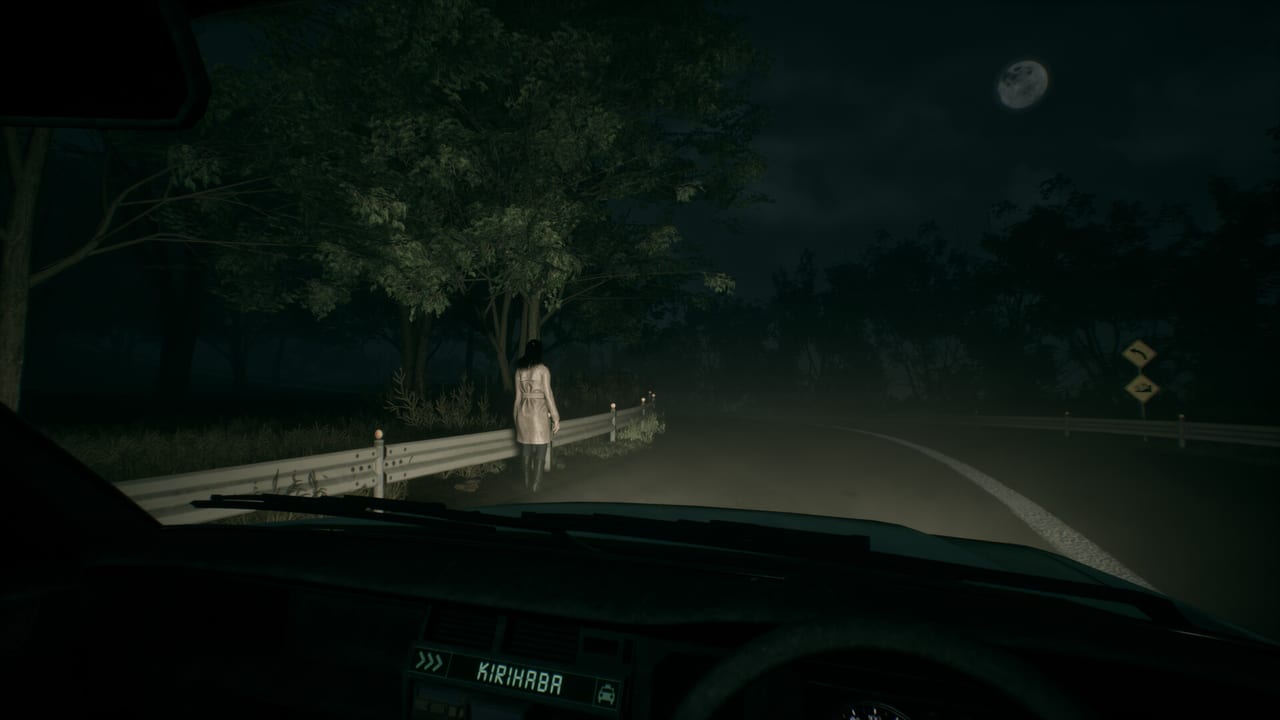
The Tools Hub collects practical Steam-facing utilities for Road to Jukai: hardware planning, wishlist mechanics, and the little setup steps that keep a horror night from dying to a driver update. This is not a cheat console and not a script dump—the game is single-player narrative horror, and this wiki intentionally avoids codes/scripts pages.
Tools in this section
- System Requirements — full minimum and recommended specs, Steam Deck unknowns, and performance tips for fog and night scenes.
- Wishlist Guide — how to wishlist, follow, enable notifications, and line up a playtest request on Steam.
- Supported Languages — Steam interface and subtitle language list versus this wiki’s en/fr/de/es locales.
- Steam Deck — Unknown compatibility status, PC specs context for handhelds, and partial controller expectations.
When to use Tools vs Guides
Use Tools when the blocker is your PC, your Steam client, your notification settings, or your language setup. Use Guides when the blocker is understanding the fantasy—see Getting Started, Controls, and How to Play. If you are chasing calendar rumors, switch to Release Date instead of tweaking graphics settings.
Pre-playtest toolkit
- Compare your GPU and RAM to System Requirements.
- Update GPU drivers before a fog-heavy build.
- Wishlist and Follow via the Wishlist Guide.
- Confirm Steam language and subtitle options on Supported Languages.
- Request playtest access using Join the Playtest.
- Verify controller or keyboard plan on Controls.
- Keep Official Links handy for Discord troubleshooting chatter.
Why fog and night need their own performance notes
Road to Jukai sells atmosphere with limited visibility, exterior particles, and cabin contrast. Those scenes punish weak fill rate and aggressive upscalers that smear thin geometry like roadside posts. The System Requirements page therefore talks about stability, not esports frame charts. A locked, readable 60 (or a stable 40–50 on older GPUs) beats a chaotic uncapped nightmare that makes every hitch feel supernatural.
Scope boundaries
We will not host cracked builds, trainer downloads, or spoiler save files. We will not invent a Steam Deck Verified badge that Valve has not published. We will update numbers if Endflame changes the Steam specification table. For story tools—archetypes and request framing—use the Passengers Hub.
Related hubs
- Guides Hub — how-tos.
- Updates Hub — rename, trailers, release window.
- Passengers Hub — encounter mindset.
- Official Links — Steam and socials.
Bookmark Tools if you help friends get ready for the 2027 launch: send them specs first, wishlist second, playtest third. Share the Steam app ID 4124320 whenever someone asks for “the silent road game,” so they land on the renamed store page instead of a stale search result. The Jukai is scary enough without a crash to desktop on the first forest bend.
Frequently Asked Questions
Quick answers for night-shift drivers preparing for Jukai.
Are these in-game tools or overlays?
No. They are wiki helper pages for Steam setup, hardware planning, and wishlist flow.
Do you provide scripts or cheats?
No. This horror wiki does not ship script or codes sections.
Where are the GPU numbers?
Open System Requirements for minimum and recommended specs plus fog-night performance tips.
How do I get launch notifications?
Follow the Wishlist Guide to wishlist, follow, and enable Steam notification preferences.
Is Steam Deck covered?
Deck status is treated as unknown until Valve or Endflame publishes verification—see the Steam Deck page for handheld notes, or System Requirements for the PC baseline.